Getting the most out of Practice Better's AI Charting Assistant
How Practice Better's AI Charting Assistant works, what it costs now, and the settings that make it genuinely useful, especially if you type during sessions.
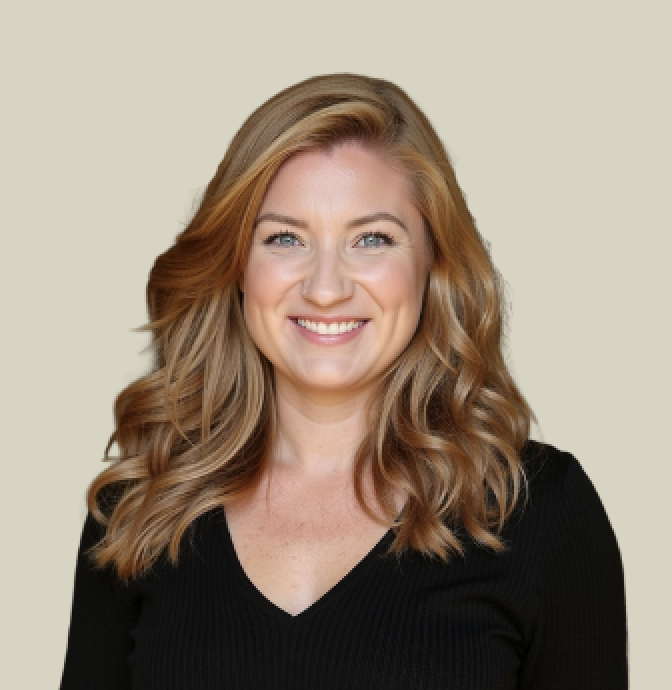 Nicole Harlow
Practice Better's AI Charting Assistant is one of the more impressive things the platform has shipped. Used well, it can give a practitioner back real hours every week.
It also rewards a little setup. Straight out of the box, on default settings, it doesn't always show what it can do, and some people switch it off before it gets the chance. Here's how to get the most from it.
*Pricing below was verified against Practice Better's help documentation in September 2026. It changed recently and a lot of older information online is out of date, so confirm in your own account.*
Who can use it
The AI Charting Assistant is available on all paid plans, Starter and above. It isn't included on the free Sprout plan.
What it costs
It's billed per practitioner, in tiers by hours:
- 20 hours — $10/month (1,200 minutes included)
- 60 hours — $20/month (3,600 minutes included)
- 120 hours — $40/month (7,200 minutes included)
Overages are $0.02 per minute, flat across all tiers.
If you've read that the first 600 minutes are free, that's out of date. Practice Better replaced it with a free first-month credit when you add the feature for the first time, offered for a limited time.
You'll find your tier under My Subscription > View add-ons.
The setting that changes everything if you type during sessions
A lot of practitioners type notes during the session. If that's you, turn this on.
The note-generation automation has a setting to add the recorded components to a session note you've already opened. Without it, the AI won't populate a note you started mid-session, and it can look like the feature simply isn't working.
Pick your summary format
Summaries come in three formats: Narrative, Outline or SOAP. Set an account-level default, then override it per service where it makes sense. A discovery call and a follow-up often want different structures.
Use placeholders in your note templates
Two placeholders pull AI output straight into your templates:
- %SESSION_SUMMARY% inserts the full summary
- %SESSION_ACTION_ITEMS% inserts the action items
Add them using the `</>` button in the text editor toolbar. Built into a template, they mean every note arrives already structured the way you like it.
Snippets for standing text
Type two left curly brackets, `{`, to insert a snippet. Great for anything you write the same way every time, like informed-consent language.
Dictation is a separate tool
AI dictation and the recording summary work independently. You can use either, or both together. Plenty of practitioners record the session and then dictate their own clinical impressions on top.
Getting good results in person
For in-person sessions, audio quality matters more than anything. With the mic sitting between you and the client, the AI can occasionally attribute words to the wrong speaker.
A better microphone, a quieter room and not talking over each other all help noticeably. It's worth a quick review of each note, especially early on.
Working in another language
Language support is available as an experimental feature under Settings > Telehealth and Messaging. It's especially helpful for practitioners using terms from other traditions, like Chinese or Ayurvedic herb names.
What it's designed for, and what it isn't
The AI Charting Assistant is a documentation tool. It won't write formal diagnosis statements, and that's by design.
It also doesn't generate protocols. You can link a previous protocol to a new note from the Protocol tab, but protocols themselves are yours to build.
Would rather hand this to someone?
Our Practice Better setup is $997 for one practitioner, one location and up to three programs, whether you're building from scratch or fixing what you have. Form mappings, automations, permissions, all of it, tested end to end.
Common questions
Nicole Harlow, CEO Lead Better HQ
18 years building businesses that let me go outside ✌️
Systems geek. Secret introvert.
Nicole Harlow is the founder of Lead Better HQ, where her team builds the operational system around clinical care so practitioners can go outside.
Keep reading
Lead Better HQ vs. HoneyBook or Dubsado
HoneyBook and Dubsado are wonderful for proposals, contracts and invoices. Both also say plainly that they aren't HIPAA compliant. Here's what that means for your practice.
Lead Better HQ vs. Kit (formerly ConvertKit)
Kit is built for creators, and it's excellent at it. If your practice grew out of a newsletter and a podcast, here's when it's time for a system built around your patients instead.
You know what you think happens when a new patient finds you.
Want to know what actually happens?