Practice Better Summit 2026 Recap: What AI Actually Changes
A working recap of Practice Better Summit 2026. Current AI Charting pricing, what Connector Hub does and the five questions practitioners kept asking.
 Nicole Harlow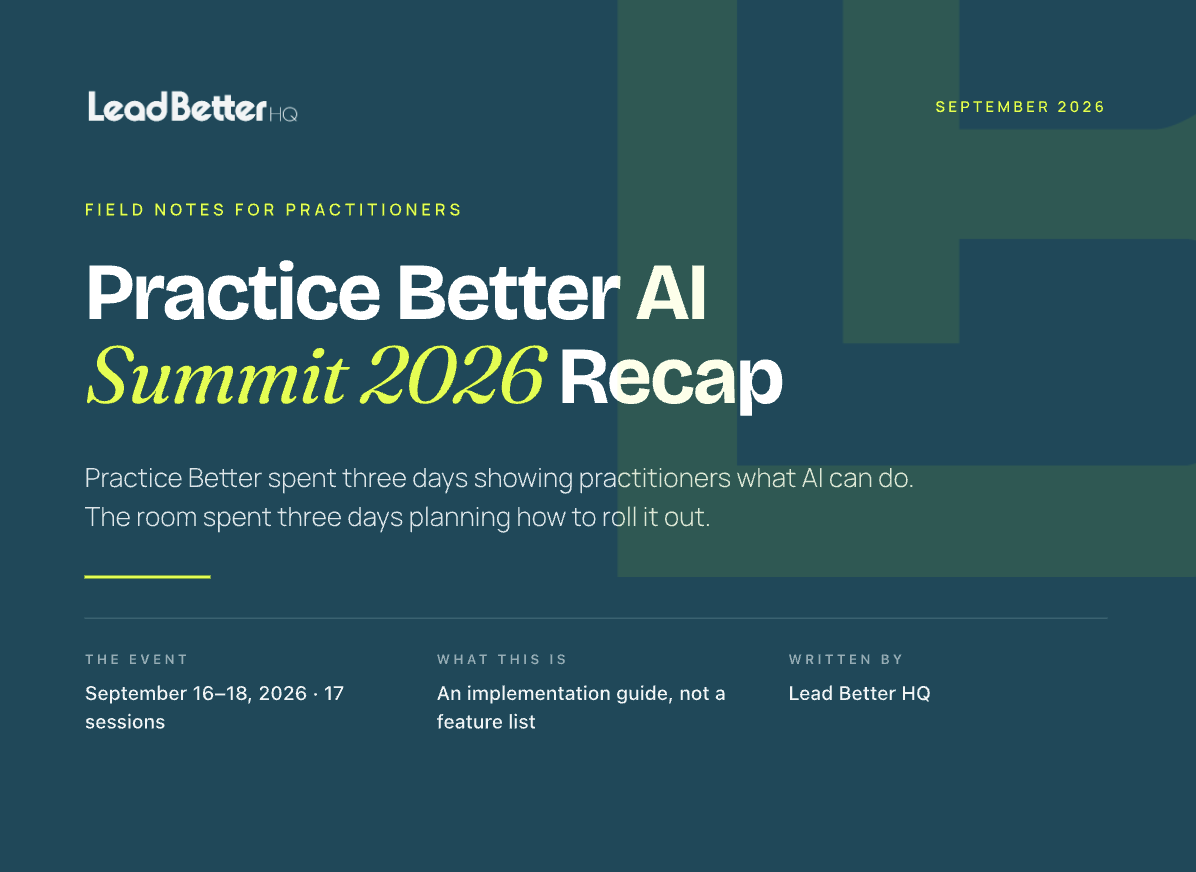
Practice Better held its 2026 Summit on September 16 to 18. Three days, 17 sessions, one theme: AI and the modern practice.
We watched all of it and read every question in every session chat. This is the working recap, including current AI Charting pricing, what Connector Hub actually does and the five questions practitioners kept asking that nobody could answer from a stage.
What they showed
One promise came back in different mouths on all three days.
AI aimed at the busywork, never at your clinical judgment. More time with your clients, less time on everything else.
It is a clear promise, and a narrower one than most vendors are making right now. Sami Sadaka's opening keynote framed it as a deliberate choice rather than a technical limit.
The demos backed it up. Amanda Hester walked a practitioner through an AI-assisted workday. Varun Chopra built a sellable Fall Reset program from a blank page, live, in under 40 minutes. Rogan Tydd-Whiting showed the automations their team has already built, so practitioners only have to fill in the blanks. Day 3 was hands-on, where attendees turned AI Charting on in their own accounts rather than watching someone else's screen.
By any reasonable measure it was an excellent event, and Practice Better is genuinely great at the thing they were demonstrating.
The most interesting part was the chat.
What AI Charting Assistant costs in 2026
Start here, because the numbers changed and older write-ups still carry the previous structure.
Per Practice Better's help documentation, updated September 16, 2026:
- 20 hours tier — $10/month per practitioner, includes 1,200 minutes.
- 60 hours tier — $20/month per practitioner, includes 3,600 minutes.
- 120 hours tier — $40/month per practitioner, includes 7,200 minutes.
Overages run $0.02 per minute, flat across all tiers. New users get the add-on tier fee covered for their first month, described as a limited-time offer.
It is available on all paid plans, Starter and above. It is not included on Sprout.
If you have seen a 600 free minutes figure quoted anywhere, that structure has been replaced. Set your tier at My Subscription, then View add-ons, and estimate your real session hours before you pick. At two cents a minute the overages will not hurt you, but paying them every month because you guessed adds up.
The setting that decides whether AI Charting works for you
If you type notes during sessions, this one matters more than anything else announced.
By default the assistant generates a separate note, which leaves you moving text between two documents after every appointment. There is a setting on the note-generation automation that adds recorded components to a session note you already have open. A practitioner asked about exactly this during the Summit and Rogan Tydd-Whiting confirmed it on the spot.
Five minutes to turn on. It is the difference between the feature fitting how you work and feeling like it was built for someone else.
Connector Hub, the announcement that got the least attention
Practice Better shipped something this month that points outward, and it surfaced in a Q&A answer rather than on a slide.
Connector Hub links your account to outside tools so client data, bookings and program enrollments move between apps without manual work. Per their documentation it connects to eleven: Mailchimp, HubSpot, Salesforce, Gmail, Outlook, Google Sheets, Google Docs, Excel, OneDrive, QuickBooks and Xero. It is $49 a month, on Plus and Team plans.
If you have been moving clients into Mailchimp by hand or reconciling into QuickBooks manually, that is real hours back and it is worth a proper look.
It is also a specific kind of tool, and the distinction matters when you are planning. A connector moves data between systems. Deciding what should happen is a different job. It will add a new client to your Mailchimp list. Noticing that she stopped booking in April, and doing something about it, sits in the layer above.
The five questions practitioners kept asking
Here is the striking thing about that event. Almost nobody asked whether the AI would save them time. They had seen the demo. They believed it. That is about the best review a product launch can get.
So they spent three days asking something else entirely.
1. Who can I hire to set this up?
Asked plainly, more than once. How does someone who has been on the platform for years get help with AI integration and workflows. Are there VAs who specialise in this.
2. What happens to my client's data, and what do I do if they say no?
How do you give a client adequate disclosure that AI is involved and to what extent. How do you proceed when a client does not want it involved at all. Where do session recordings live, and do you keep them as part of the chart or delete them once the note is signed.
3. What does this cost, and can I opt out?
Usually phrased as some version of when something new gets added, the price usually goes up.
4. How do I make it sound like me?
One practitioner had already built her own voice into a tool elsewhere. Nobody was worried the AI would be wrong. They were worried it would be generic, which is the more sophisticated concern, because a note you do not recognise as yours is a note you will rewrite.
5. How would I know if it did something I didn't sanction?
How do you put guardrails in place when you are the one accountable, and how would you know if it stepped outside them.
Every one of those is an implementation question rather than a capability question. And none of them can be answered from a stage, because the answer is different for every practitioner. Client consent changes by state and by scope of practice. Sounding like you means something different for each of us.
A vendor can build an excellent tool and write excellent documentation, and Practice Better has done both. The decisions still land on your desk.
Which is the real reason so many people were asking who they could hire. Not because anything was missing, but because turning on AI in a health-based business is not a feature toggle. It is a project.
The part that sits outside all of it
Every announcement at that Summit lives inside the appointment. The note. The chart. The program. The session.
Which is exactly right. That is what an EHR is built to be, and Practice Better does it beautifully.
But the person who filled in your intake form on Tuesday and never booked. The client who came four times in the spring and has not been back since. The inquiry that landed at 7pm on a Thursday while you were with someone else.
None of that is a documentation problem. It happens before the appointment starts and after it ends, which puts it in a different category entirely. Not a shortcoming. A boundary, and a sensible one.
You can see where that boundary sits in how the platform is built. Inviting someone to book is a deliberate action, one client at a time, so scheduling stays in your hands. Native automations are a clear trigger-and-action list rather than a branching workflow builder. Tags are applied by automations and by people. Each of those is a reasonable line for an EHR to draw, and together they add up to the same thing: the platform runs the clinical world, beautifully, and something else has to run the rest. We wrote about exactly where that line sits in our breakdown of what Practice Better doesn't do.
Two things to verify in your own account
- Which plan gets which program type. The published documentation describes this differently in different places, so check before you scope a program build.
- How long you are required to retain session recordings. That follows your jurisdiction and scope of practice, so it is a question for your compliance advisor rather than your software.
Where to start
Not with AI.
Of the last twenty people who inquired, how many became clients? Of the clients you saw in March, how many have been back since?
You can count the first number. What is harder to see is what happened to everyone in between. Where the form went. How long the reply actually took. What the wait felt like on the other end. Whether anything happened at all after somebody's fourth visit.
That part is genuinely hard to audit from the inside, because you already know where everything is. You know the form goes to that inbox. You know you always reply by Thursday. A new patient knows none of that, and their experience is the one that decides whether they come back.
So we look at it from the outside.
The Patient Experience Audit. We go through your business the way a new patient does. We fill in your intake form, book the way they book, wait the way they wait. A few days later you get a short video from an actual human, walking you through what we found and where people are slipping through.
Free. About five minutes of your time. No software to install.
Lead Better HQ is an independent company. We are not owned by, operated by or an official partner of Practice Better. Practice Better is our platform of choice, we build Practice Better accounts every day and we have Practice Better specialists on our team. The similar name is just a very happy coincidence.
Pricing and features were checked against Practice Better's published documentation on September 20, 2026. Pricing changes, so verify before you budget.
Common questions
Nicole Harlow, CEO Lead Better HQ
18 years building businesses that let me go outside ✌️
Systems geek. Secret introvert.
Nicole Harlow is the founder of Lead Better HQ, where her team builds the operational system around clinical care so practitioners can go outside.
Keep reading
Lead Better HQ vs. HoneyBook or Dubsado
HoneyBook and Dubsado are wonderful for proposals, contracts and invoices. Both also say plainly that they aren't HIPAA compliant. Here's what that means for your practice.
Lead Better HQ vs. Kit (formerly ConvertKit)
Kit is built for creators, and it's excellent at it. If your practice grew out of a newsletter and a podcast, here's when it's time for a system built around your patients instead.
You know what you think happens when a new patient finds you.
Want to know what actually happens?